
PNG, JPG, SVG, PDF or AI? Logo Files Explained Simply
The logo looks finished—but without the right files, future printing and resizing can become expensive.
Two broad file types
Raster images are built from pixels; vector artwork is built from scalable paths. Both are useful, but they solve different production needs.
PNG: transparent digital use
PNG supports transparency and works well for presentations, social graphics and many website placements. Very large PNGs can be heavy.
JPG: lightweight photographic backgrounds
JPG is widely supported and efficient for photographs, but it does not support transparency and repeated saving can reduce quality.

SVG: scalable web vector
SVG can remain sharp at different sizes and is useful for websites, icons and digital interfaces. The file should be prepared safely before web use.
PDF: sharing and print workflows
A properly exported PDF can preserve vector information and is convenient for printers and review. Not every PDF is automatically vector.
AI or editable source
Adobe Illustrator source can support future editing, production and variant creation. Whether it is included depends on the agreed package and licensing.
EPS and other production formats
Some printers and legacy workflows request EPS. Confirm the vendor’s actual requirement before converting files unnecessarily.
Colour variations matter too
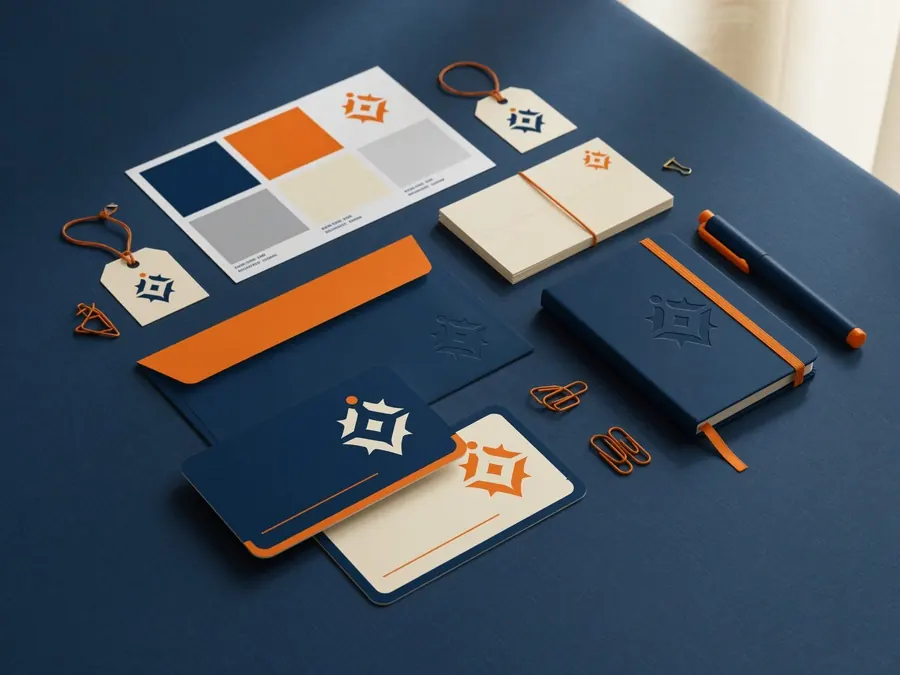
Request primary, reverse/white, black and one-colour versions where appropriate, along with colour references.
A sensible delivery folder
Organise files into Digital, Print, Vector, Colour Variations and Read Me folders so future vendors choose correctly.
Common questions
SVG is excellent for many web uses, while optimised PNG or WebP may be suitable in specific contexts.
No. JPG does not support transparency. Use PNG or SVG when transparency is needed.
Turn this advice into a clear design system.
Explore Circle Design professional logo file delivery or share your current brand for a focused review.
Was this guide useful?
Share your question or practical experience. Your message will be delivered privately to Circle Design on WhatsApp; public comment storage requires a separate backend.